Pilates studio software: Reformer packages, group classes and remaining sessions
A pilates studio’s day runs on reformer sessions, group classes, package credits, cancellations and payments. When these live in a notebook, a spreadsheet and WhatsApp chats, even “how many sessions do I have left?” takes minutes to answer. Pilates studio software brings them into one panel: attendance deducts the session automatically, expiring packages show up in advance and instructors can open a member’s history in one tap.
Updated: November 1, 2026 · 4 min readWhat does pilates studio software do?
Most studios sell session packages: 8, 12 or 16 reformer sessions, monthly group memberships and private packages. Each package has credits that drop with attendance and an end date. The software keeps both up to date for every member, so the front desk, instructors and owner all see the same number.
Good software also shortens the day. When you open it in the morning you see today’s classes, unrecorded attendance, packages about to end and open balances on one screen.
- Member profile, package and sessions left
- Private and group class calendar
- Attendance, cancellation and no-show records
- Payments, open balances and monthly collections
- Reformer and equipment exercise history
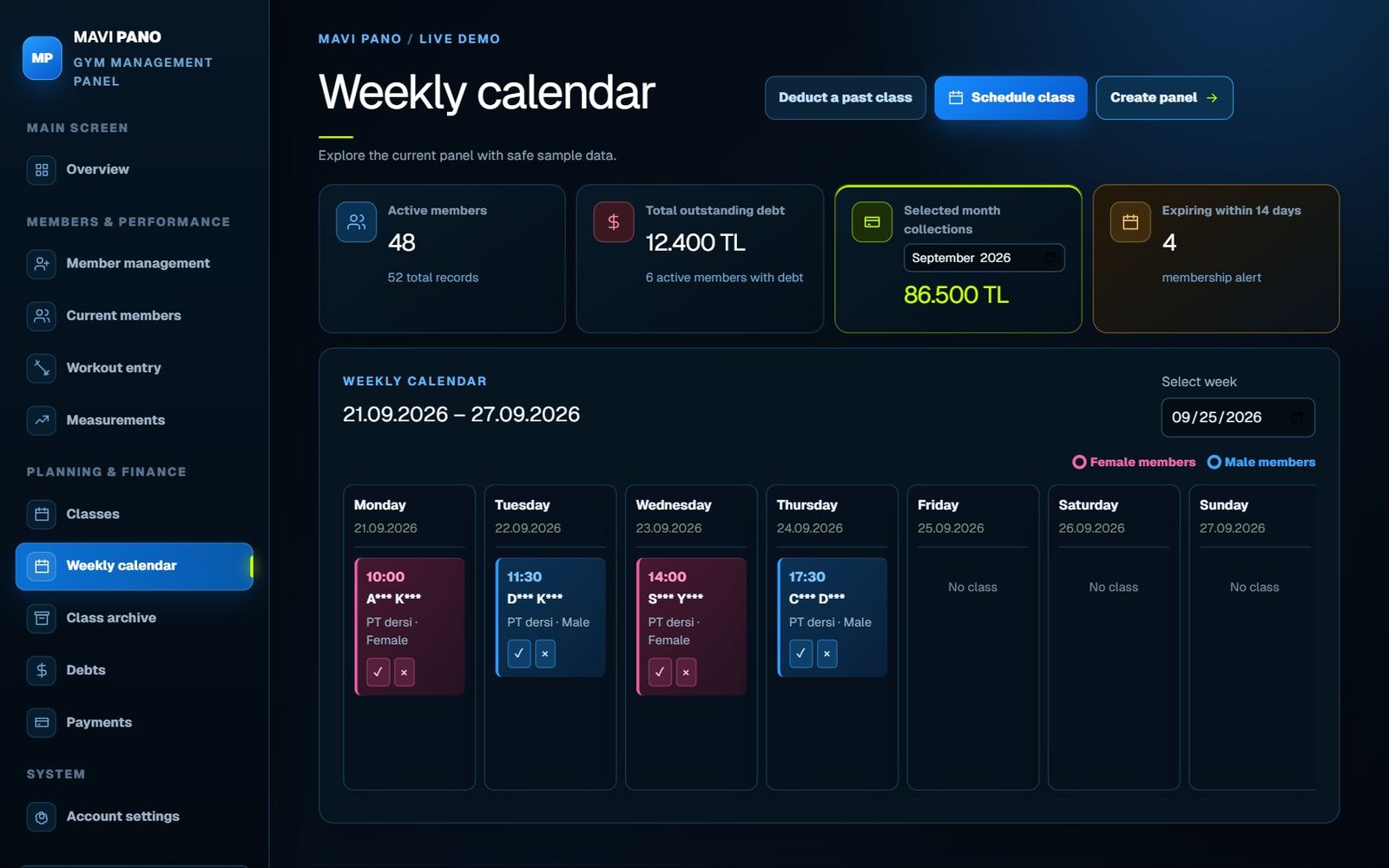
Reformer packages and remaining sessions
The most common dispute in a studio is the number of sessions left. The fix is to stop counting by hand and let attendance deduct the session.
In MAVI PANO you enter the number of sessions and the end date when you assign a package. When a class is marked “Attended”, one credit is deducted and the profile shows a clear counter such as “8 / 12 this month”. Members whose package is about to end are listed separately, so renewal talks happen before the last session.
Group classes: capacity and attendee lists
Reformer group classes are limited by the number of machines. Set a capacity when you create the class; once it is full no one else can be added, and open spots are visible at a glance. Marking attendance deducts a session from each attending member’s package.
Recurring classes and the weekly plan
Most members train on the same day and time every week. Create a recurring class once and it repeats automatically. The weekly calendar also shows which hours are full and which are empty, which helps when deciding to open a new group.
Cancellations, no-shows and freezes
Write down your cancellation rule (for example, cancellations less than 12 hours before class use up the session) and apply it to everyone. When attendance, cancellations and no-shows are recorded separately, you can answer any dispute from the history.
Memberships can be frozen for injury, travel or pregnancy. The freeze is saved with start and end dates and the package end date moves forward by the frozen days.
Reformer, mat, cadillac, chair and barrel exercise logs
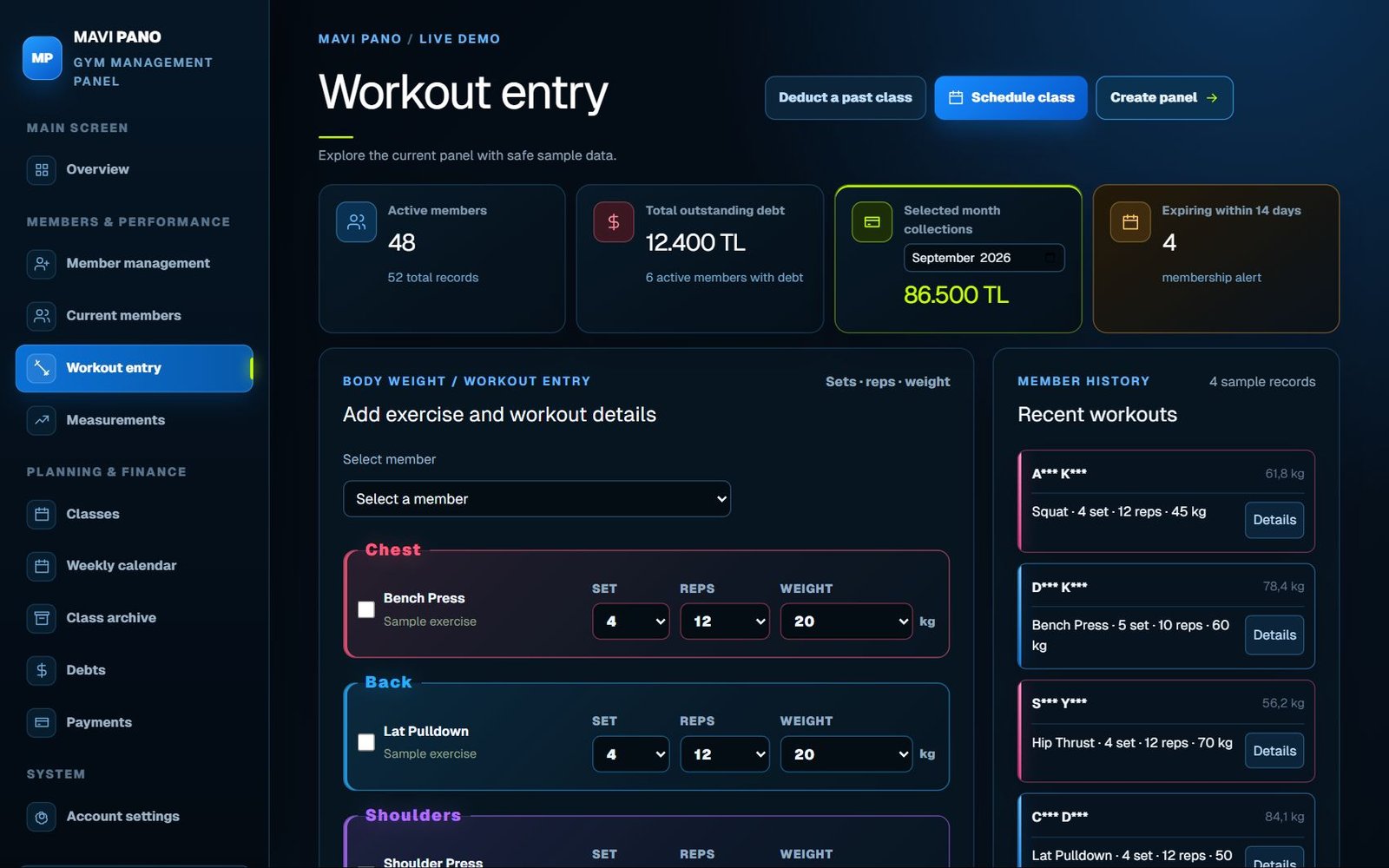
MAVI PANO includes more than 280 ready exercises for reformer, mat, cadillac / tower, wunda chair and barrel / spine corrector. Instructors pick the exercise and record sets, reps and spring setting; spring colours differ by brand, so springs can be saved as light, medium, heavy or a free note.
Payments and open balances
Each payment is saved to the member with date, amount and method. Members with open balances appear in a separate list and the selected month’s collections are shown on the main screen.
Moving from Excel
With “Import from Excel” on the member screen you can bring in names, phones, packages and dates. The file is read in your browser and is never uploaded.
Checklist for choosing studio software
Instead of reading feature lists, run one real week in the trial and time these tasks, also on a phone or tablet if you use one at the front desk.
- Create a member with a reformer package
- Open a group class with a capacity
- Record attendance and see the session deducted
- Freeze a membership and see the end date move
- Record a partial payment and an open balance
- Import your existing spreadsheet
Clear, concise answers.
What does pilates studio software track?
Member profiles, session packages, remaining sessions, private and group classes, attendance, freezes, payments, measurements and exercise logs.
Are remaining sessions deducted automatically?
Yes. When a class is marked “Attended”, one session is deducted from the member’s package.
Can I set a capacity for reformer group classes?
Yes. Each group class has a capacity; when it is full, no one else can be added.
Can I try it before buying?
Yes. The live demo uses sample data and new accounts get a 3-day free trial without a credit card.